
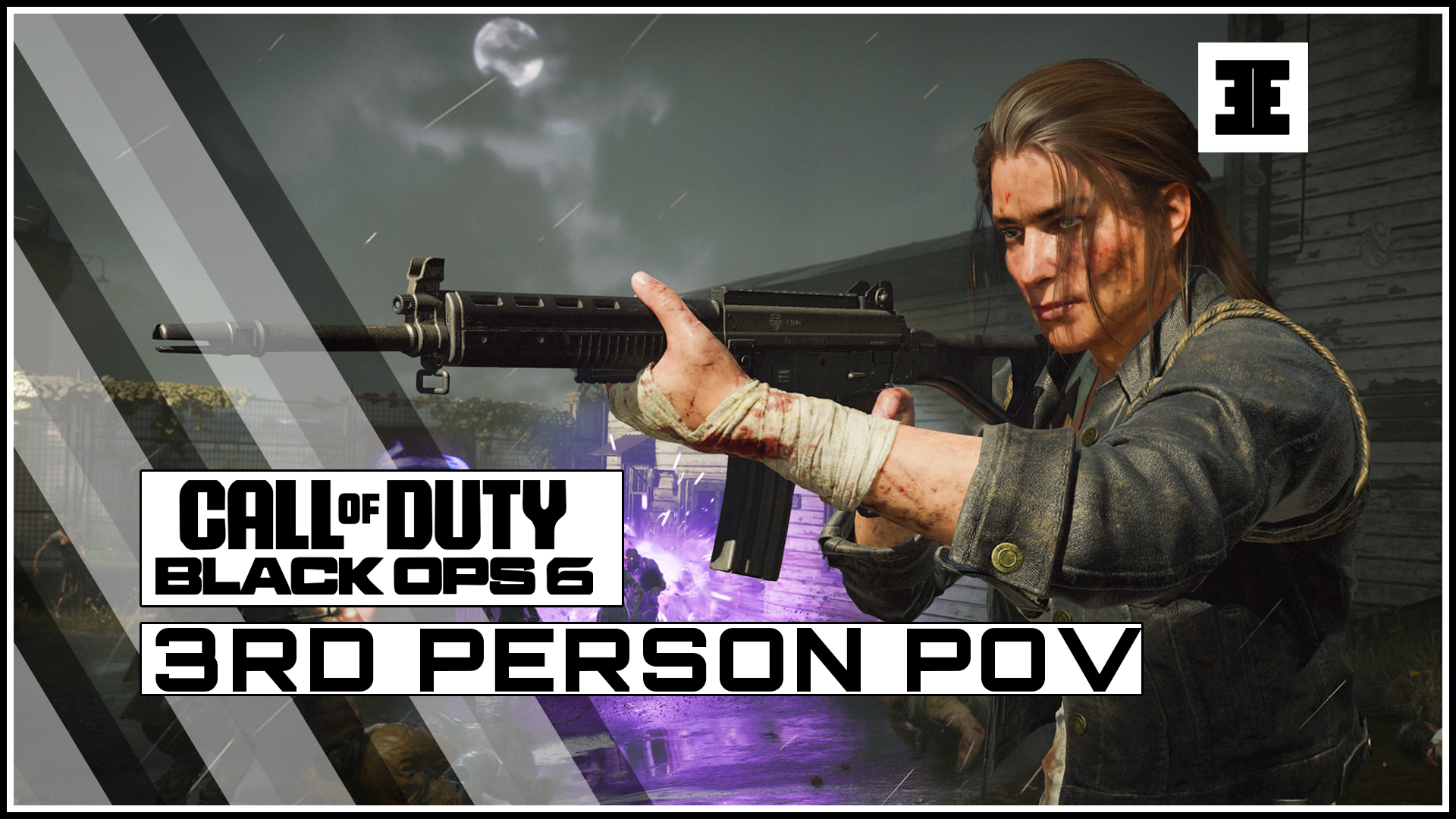
Call of Duty Zombies is all about spacial awareness and it’s being able to keep the undead in check. Having the ability to play in third-person would certainly help. So here’s how to change it’s third-person in Black Ops 6 Zombies.
How To Save And Quit In Black Ops 6 Zombies
Terminus will play host to the first round-based Zombies map in Call of Duty: Black Ops 6 and the first time we’ve seen the new Omnimovement system in COD Zombies.
To turn on Third-Person mode, you simply need to press the puase button while you’re in the middle of a Zombies game.
On the PS5, this is the ‘Options Button’, located in the central right of the controller. On the Xbox Series X/S, this is the ‘Menu Button’ located in the central right of the controller. On PC, this is typically the Escape button, located in the top left corner of the keyboard.

From here, press R1 (on PlayStation), RB (on Xbox) or the right arrow key (on PC) three times until you get to the Settings tab (the cog wheel).
Scroll down all the way down to the Perspectives option and change this option from ‘First-person’ to ‘Third-person’.
Experienced players know that using your dexterity is the key to dodging a crowd of incoming undead in a narrow play space. You’ll finally be able to see your slick moves in all their glory in this perspective, which are enhanced to look like action-movie stunts, thanks to the new Omnimovement system.
Give it a try and see whether you find an improvement in your ability to control the zombie hordes.
Be sure to follow us on Twitter, Instagram, Facebook, YouTube, TikTok and Pinterest for the latest Call of Duty updates, news, leaks and content.



Leave a Reply